
This document is the User's Guide for MFC-5440CN MFC-5840CN, version C. The document provides information on the model number, serial number, date of purchase, and place of purchase of the device, as well as instructions for product registration. Additionally, the document mentions the device's compatibility with analogue PSTN lines and its limited warranty outside the original purchase country.
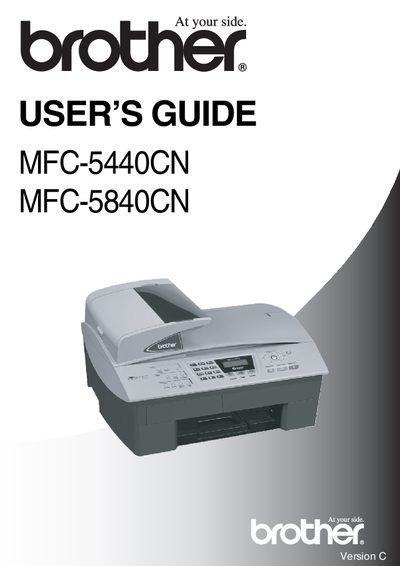
This guide introduces the Brother MFC-5440CN and MFC-5840CN multifunction printers, covering safety precautions, installation, and basic operation. It explains how to place the unit, connect telephone and power lines, and configure settings such as date, time, and fax options.
Detailed sections describe loading paper, using the automatic document feeder, scanning, fax transmission, and remote access features. The manual also includes troubleshooting tips, recommended operating environment, and instructions for changing the remote access code.
| Operating temperature range | 10°C to 35°C |
|---|---|
| Recommended operating temperature | 20°C to 30°C |
| ADF maximum capacity | 35 pages |