
This document is the Advanced User's Guide for Brother MFC-J220, MFC-J265W, and MFC-J410 series printers. It includes instructions for setting up the printer, installing drivers and software, and more advanced operations such as faxing, copying, scanning, and maintenance. Additionally, it provides some safety and legal precautions.
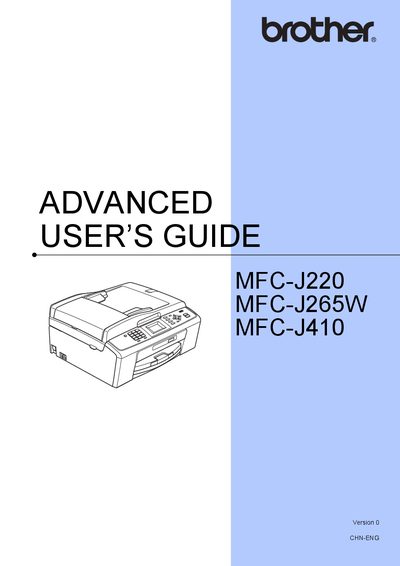
This guide covers the basic and advanced functions of the Brother MFC‑J series all‑in‑one printers, including fax, copy, scan, and photo printing. It explains how to set up the machine, configure network and wireless options, and use the PhotoCapture Center for printing images from memory cards.
Additional sections describe security features such as TX‑LOCK, routine maintenance tasks like cleaning and ink‑volume checks, and troubleshooting tips. The manual also includes detailed instructions for adjusting LCD settings, sleep mode timers, and restoring factory defaults.
| Sleep mode timer range | 1–60 minutes |
|---|
Press Menu → General Setup → Sleep Mode, then select the desired time (1‑60 minutes) and press OK.