
This is a BIOS setup document for X58 Extreme P1.00 motherboard
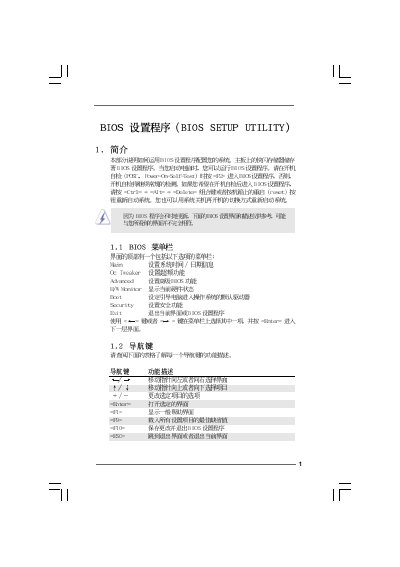
This manual provides step‑by‑step instructions for navigating the BIOS Setup Utility on the X58 Extreme P1.00 board. It covers the main menus such as OC Tweaker, Hardware Monitor, Boot, Security, and Advanced settings, showing how to change values with the keyboard.
Key sections include CPU and memory configuration, chipset options, power‑saving features, and password management. Warnings are included for overclocking and incorrect settings that could damage the system.
| BIOS Version | v02.54 |
|---|---|
| Processor Type | Intel(R) CPU 000 |
| Processor Speed | 3.20 GHz |
| L3 Cache Size | 8192 KB |
Press F9 to select “Load Defaults” and then save and exit.
Enter the Security menu, choose “Change Supervisor Password”, and follow the prompts.
Use the OC Tweaker menu to modify BCLK frequency, CPU ratio, and other overclocking parameters.