
This is a BIOS setup menu of ALiveXFire-eSATA2 motherboard
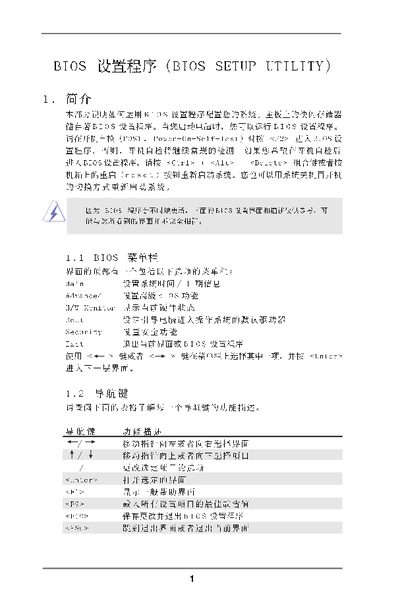
This manual describes the BIOS Setup Utility interface, including the main screen, advanced options, and exit procedures. It provides step‑by‑step instructions for entering the BIOS, adjusting CPU, memory, chipset, and power‑management settings, and saving or discarding changes.
The document also lists default key functions, explains each configuration screen, and includes an appendix on AMD Cool'n'Quiet technology. It is intended for users who need to configure system hardware parameters on motherboards that use the American Megatrends BIOS. This manual is written in Chinese.
| Processor Speed | 2200 MHz |
|---|---|
| Cache Size | 1024KB |
| Total Memory | 512 MB |
Press the F9 key to load the default configuration values.
Select the ‘Save and Exit’ option (F10) and confirm the prompt “Save configuration changes and exit setup?”.
Press F1 to display the general help information for the current screen.