
This is a manual of Award BIOS setup. It includes the setup options and explanations of Award BIOS
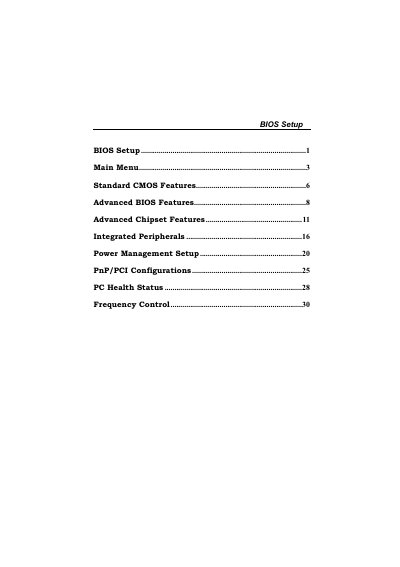
The Award BIOS Setup User Manual explains how to use the built‑in BIOS configuration utility to adjust system settings. It covers navigation keys, menu structure, and the process for saving or discarding changes.
Key sections describe standard CMOS features, advanced BIOS options, chipset configuration, power management, Plug‑and‑Play/PCI settings, PC health monitoring, and CPU frequency control. The manual also provides instructions for setting supervisor and user passwords, loading optimized defaults, and updating the BIOS.
| Supported CPU | Intel™ CPU |
|---|---|
| Memory Support | DDR DRAM |
| Plug and Play Support | Version 1.0A |
| APM Support | Version 1.1 & 1.2 |
| EPA Green PC Support | Version 1.03 |
Select the "Set Supervisor Password" option in the BIOS menu and follow the prompts to enter the new password.
Use the "CPU Ratio" setting under Frequency Control to select the desired multiplier (e.g., X8, X9, … X23).
Choose "Load Optimized Defaults" to reload the BIOS with factory‑optimized settings.
Enable the "Virus Warning" option under Advanced BIOS Features to activate boot‑sector protection.