
This document is a user manual for the BIOS setup utility, which provides information on the main settings and system overview.
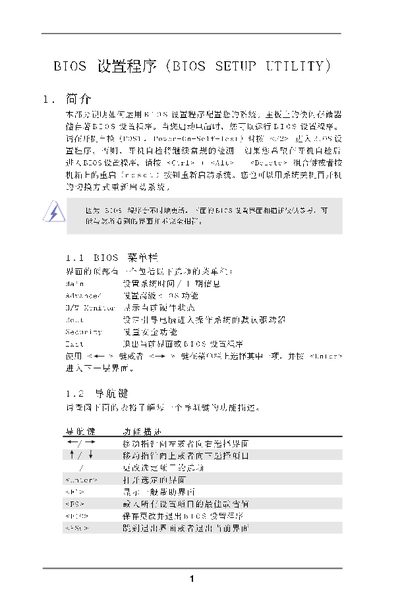
This manual describes the BIOS Setup Utility interface, including the main screen, advanced settings, and exit options. It provides step‑by‑step instructions for entering the BIOS, changing system parameters, and saving or discarding changes.
The document also covers specific configuration sections such as CPU, chipset, and ACPI settings, and includes an appendix on AMD Cool'n'Quiet technology. All instructions are presented with the corresponding key commands used in the BIOS environment. This manual is written in Chinese.
| Processor Speed | 2200 MHz |
|---|---|
| Total Memory | 512 MB (64 MB shared) |
| BIOS Version | ALiveNF6G-DY |
Press
Press F9 to load the default configuration values.
Set the Boot Failure Guard option to Enabled in the BIOS.