
Key facts
- Manuals
- 48
- Brands
- 30+
- Languages
- EN · ZH
- Last added
- 2012-07-05
Featured Upgrade guide manuals
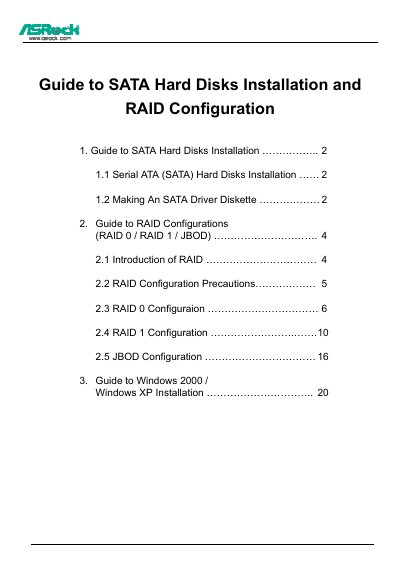
ASRock SATA Hard Disk Installation and RAID Configuration Guide
This guide explains how to install Serial ATA (SATA) hard disks on an ASRock motherboard that uses the ALi M5283 IDE controller chip. It covers physical installation, creating a driver diskette, and preparing the system for Windows 2000 or Windows XP.
The document also details RAID configuration using the ALi RAID BIOS Setup Utility, including RAID 0 (striping), RAID 1 (mirroring) and JBOD (spanning), and provides the necessary steps to complete the OS installation with the appropriate SATA drivers.
Covers: Guide to SATA Hard Disks Installation · Making an SATA Driver Diskette · Guide to RAID Configurations · RAID 0 Configuration · RAID 1 Configuration · JBOD Configuration
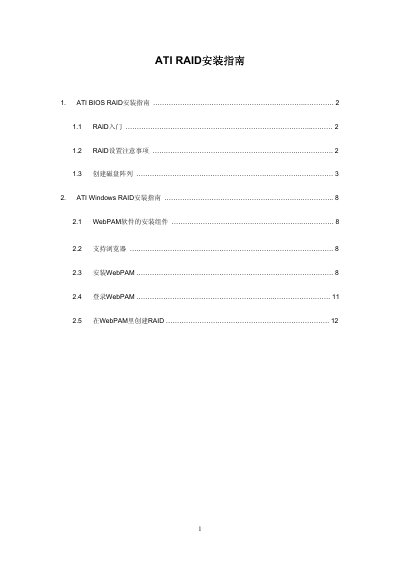
ATI RAID Installation Manual
This manual explains how to set up RAID arrays on ATI RAID controllers in both BIOS and Windows environments. It covers RAID basics, setup considerations, and step‑by‑step procedures for creating logical drives.
The Windows section details the installation of the WebPAM management software, supported browsers, and how to create and manage RAID arrays through the WebPAM interface. This manual is written in Chinese.
Covers: RAID Introduction · RAID Setup Considerations · Creating Disk Array · Windows RAID Installation Guide · WebPAM Software Components · Supported Browsers
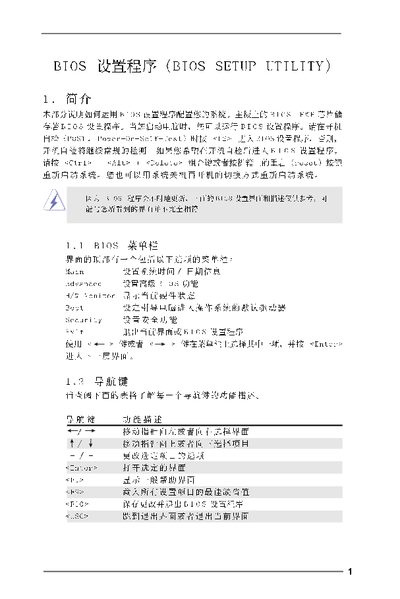
American Megatrends BIOS Setup Utility Manual
This manual explains how to navigate and configure the BIOS Setup Utility, covering the main screen, advanced options, CPU and chipset settings, ACPI power management, IDE configuration, security features, and exit procedures. It provides step‑by‑step instructions for changing settings, loading defaults, and saving or discarding changes.
The document is organized by screen sections, each describing the available options and the key combinations (F9, F10, ESC, etc.) needed to modify or confirm settings. It also includes warnings about incorrect values that could cause system malfunction. This manual is written in Chinese.
Covers: Main Screen · Advanced Screen · CPU Configuration · Chipset Configuration · ACPI Configuration · IDE Configuration
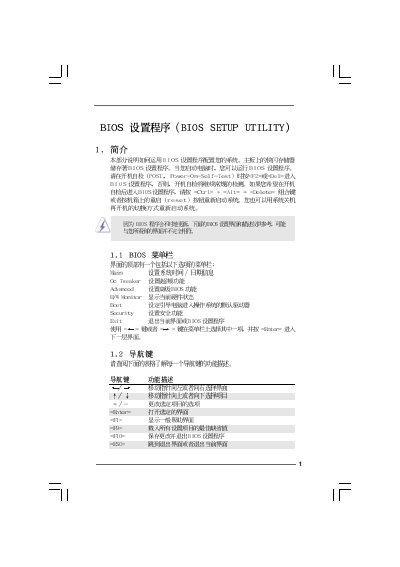
American Megatrends G41M-VS2 BIOS Setup Utility User Manual
This manual describes the BIOS Setup Utility for the G41M-VS2 motherboard. It covers the Main screen, Advanced options, OC Tweaker, hardware monitoring, boot configuration, and security settings.
The document explains how to navigate the BIOS menus, change CPU frequency, adjust DRAM timings, configure boot devices, enable or disable the boot logo, and set supervisor or user passwords. It also includes shortcuts for loading defaults and saving changes.
Covers: Main · Advanced · OC Tweaker · H/W Monitor · Boot Settings · Security
Latest Upgrade guide manuals
Wii System Setup Manual(1)
This operations manual introduces the components of the Wii system, installation and setup methods, and usage methods.
Wii System Setup Manual
This document is the operations manual for the Wii console, providing instructions for setup, maintenance, and service. It also includes warnings about incorrect use of the Wii system to prevent personal injury and damage to the system, components, game discs, or accessories. The document also includes contact information for Nintendo and the official seal for licensed products.
Installation Instructions for TeraTerm Manual
The document provides installation instructions for Agilent Microarray Scanner Software Versions A.8.4, including software license statement and installation steps, and operation instructions.
CASIO Photohands Version 1.0 Installation Guide
Photohands is a software for CASIO digital camera users that provides photo editing and printing functions.
CASIO Photo Loader Version 2.1 AZSC
Photo Loader is a software developed by CASIO COMPUTER CO., LTD. and can be used to transfer photos from CASIO branded digital cameras to a Windows-based computer.
apple Boot Camp Installation Setup Guide
This document describes how to install and set up Boot Camp so you can use Microsoft Windows on a Mac computer
BIOS set program (BIOS SETUP UTILITY )
VIA RAID Installation Guide(3)
VIA RAID installation guide, introduces how to configure RAID function in BIOS and Windows environment
VIA RAID Installation Guide(2)
This document is an introduction and operation guide for VIA RAID installation. It introduces the concept of RAID and precautions for configuration, as well as the steps to install RAID functions on Windows 2000 / XP / Vista systems. It also provides VIA BIOS RAID installation guide and VIA Windows RAID installation guide, which are applicable to different versions of operating systems.
VIA RAID Installation Guide(1)
This document introduces the configuration method of RAID 0, RAID 1, and JBOD functions supported by the RAID controller integrated in VIA VT8237S south bridge chipset
VIA RAID Installation Guide
This manual introduces the configuration methods of VIA BIOS RAID and Windows RAID.
NVIDIA RAID Installation Guide
This document is an NVIDIA RAID Installation Guide, which introduces how to use NVIDIA RAID Utility to configure RAID function in BIOS environment, and how to create disk array in Windows 2000 / XP / XP 64-bit / Vista / Vista 64-bit
nokia SIP VoIP Release 3.x Settings Application User guide
SATA Hard Disks Installation RAID Configuration manual
This document provides a guide to the installation of SATA hard disks and RAID configurations. It includes instructions for installing SATA hard disks and precautions for RAID configurations, as well as steps for configuring BIOS and Intel RAID BIOS in different operating systems.
ASROCK BIOS set program (8)
This document is a user manual for BIOS setup utility, which introduces the main settings options and functions, as well as the hardware information and performance characteristics of the product.
Which document do I need?
Installation Guide
Mounting, wiring and first power-up. Read it before the hardware goes in.
User Manual
Day-to-day operation, settings and troubleshooting. Start here if the product is already set up.
Questions answered in Upgrade guide manuals
How do I create an SATA driver diskette for Windows installation?
Insert the ASRock Support CD, press F11 during POST, choose to generate the Serial ATA driver diskette, and follow the on‑screen prompts to format and copy the drivers.
From: ASRock SATA Hard Disk Installation and RAID Configuration Guide
What are the steps to configure a RAID 0 array on this motherboard?
Boot the computer, press Ctrl+A to open the ALi RAID BIOS Setup Utility, select “Create RAID 0 Striping for Performance”, choose two drives, confirm data deletion, and enter a RAID name.
From: ASRock SATA Hard Disk Installation and RAID Configuration Guide
What browsers are required to use the WebPAM management software?
You need Internet Explorer 6.0, Mozilla Suite 1.7, Mozilla Firefox 1.0, or Netscape Navigator 7.1.
How can I load the default BIOS settings?
Press F9 to load the optimal default settings.
What does the "Security" screen allow me to configure?
It lets you set a supervisor password and a user password, or leave them uninstalled.
How do I load the default BIOS settings?
Press F9 to load the default BIOS settings.
From: American Megatrends G41M-VS2 BIOS Setup Utility User Manual