
This document introduces how to use BIOS setup program, including BIOS menu bar, navigation keys, and main interface.
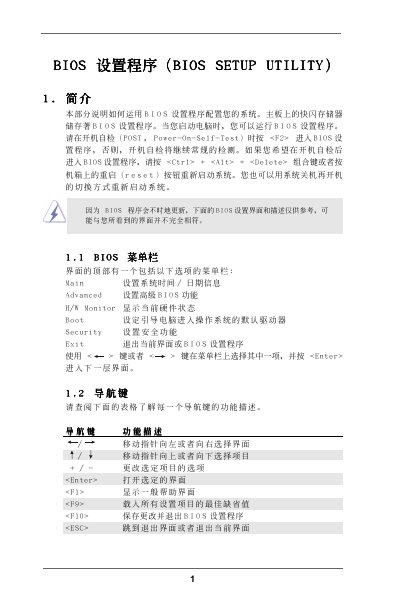
The document provides a detailed description of the BIOS Setup Utility interface, including the Main Screen, Advanced Screen, and various configuration sections such as CPU, Chipset, ACPI, IDE, PCI, and Floppy. It shows how to navigate the menus, change settings, and save or exit the BIOS.
Key functions covered are adjusting system time and date, configuring processor frequency, memory timings, storage controllers, and power‑on behavior. Warnings are included for options that may cause system malfunction if set incorrectly. This manual is written in Chinese.
| BIOS version | v02.54 |
|---|
Press F9 to load the default settings.
Select the System Time field and use the [+] or [-] keys to adjust the hour, minute, and second.
Press F10 to save the changes and exit the BIOS.