
This document is a BIOS setup utility that provides main configuration options, including OC Tweaker, H/W Monitor, Boot, Security, etc. It allows users to set system time, configure memory, and more.
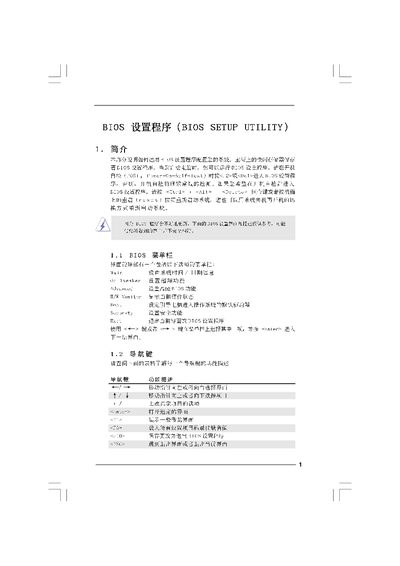
The BIOS Setup Utility manual provides step‑by‑step instructions for accessing the BIOS, adjusting system settings, and using advanced features such as over‑clocking, voltage control, and security options. It includes descriptions of each screen, key shortcuts, and warnings about incorrect settings.
The document also covers utility tools like Instant Flash for BIOS updates, and explains how to save, discard, or restore default configurations. It is intended for users and technicians who need to configure hardware parameters directly in the BIOS. This manual is written in Chinese.
| Processor Speed | 2933 MHz |
|---|