
This is the BIOS setup interface of a computer.
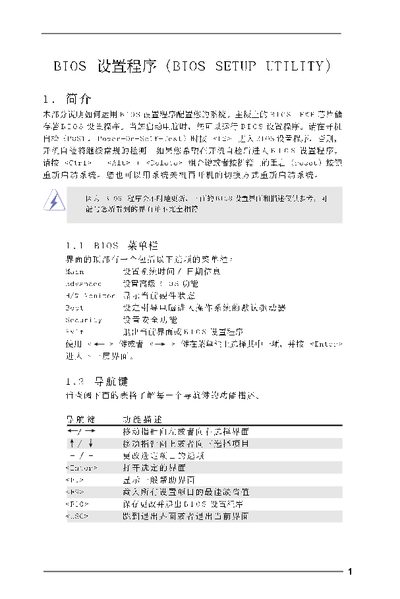
The BIOS Setup Utility manual provides step‑by‑step instructions for accessing and modifying BIOS settings on a computer motherboard. It describes the main screen layout, advanced options, and how to use function keys to move between menus, save changes, or restore defaults.
Detailed sections cover CPU configuration (frequency, hyper‑threading, virtualization), chipset timing, memory parameters, ACPI power‑loss behavior, IDE/SATA options, security passwords, and the final exit procedures. The guide is intended for users who need to adjust hardware settings or troubleshoot boot issues. This manual is written in Chinese.
| Cache Size | 1024 KB |
|---|
Press **F10** to save the changes and exit the BIOS setup utility.
Press **F9** to load the default settings.