
This is a description of BIOS setup options for the ASUS X58 Deluxe P1.00 motherboard
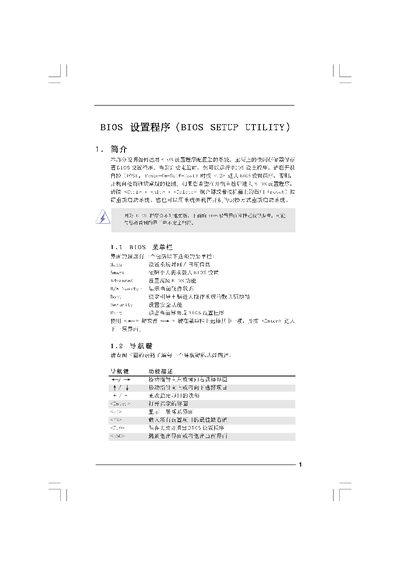
This manual explains how to access the BIOS Setup Utility, navigate its menus, and adjust system settings such as boot order, CPU configuration, memory timings, and security options. It includes descriptions of each screen (Main, Smart, Advanced, Security, Exit) and the function of navigation keys.
The guide also provides procedures for loading default configurations, saving changes, and exiting the utility, as well as warnings about incorrect settings that could cause system instability. This manual is written in Chinese.
Press the designated key (e.g., ) during the Power‑On Self‑Test (POST) to enter the BIOS setup program.
Press F9 to load the BIOS default values, or use the "Load BIOS Defaults" option in the menu.
Select the "Save and Exit" option (F10) or choose "Save configuration changes and exit" when prompted.
Navigate to the Security Screen, where you can install or change the Supervisor and User passwords.