
American Megatrends BIOS Setup Utility User Manual

This is the BIOS setup interface of an ALiveNF5-VSTA motherboard.
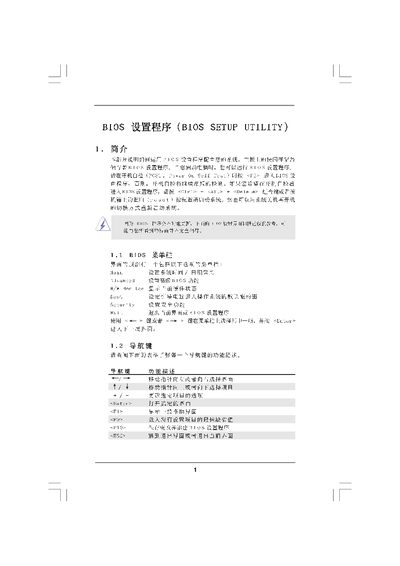

American Megatrends BIOS Setup Utility User Manual - cover page
Brand
BIOS
Category
Motherboard
Document type
User Manual
Language
Chinese
Pages
16
File format
PDF
File size
661 KB
Published
05 April, 2012
Updated
30 September, 2023
MD5 checksum
8CD9DC499B5F8DD0237C64D2C9618A7B

About this manual

The BIOS Setup Utility provides a Main Screen that shows system overview, boot options, date/time, and hardware status. Navigation is done with the keyboard using keys such as for help, to load defaults, and to save and exit.

Advanced screens let you configure CPU, chipset, ACPI, IDE, and other hardware settings. Options include CPU multiplier, voltage, memory timings, power‑on behavior, and various enable/disable switches. Changes can be saved, discarded, or defaults re‑loaded before exiting the BIOS. This manual is written in Chinese.

What's inside

  • Main Screen
  • Advanced Screen
  • CPU Configuration
  • Chipset Configuration
  • ACPI Configuration
  • IDE Configuration
  • Exit Options
  • Appendix

Specifications

Processor Speed2200 MHz
Total Memory12 MB

Frequently asked questions

How do I exit the BIOS setup utility?

Press the key to exit the current screen or leave the BIOS setup program.

How do I load the default BIOS settings?

Press to load the default BIOS configuration.

Download PDF (661 KB)

More BIOS Manuals


View all BIOS manuals →