
American Megatrends BIOS Setup Utility User Manual

This is a BIOS setup interface
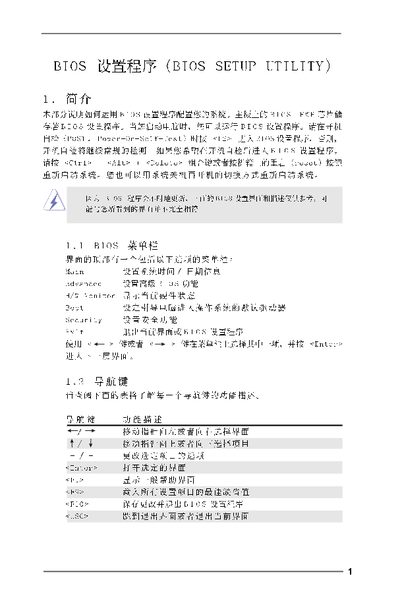

American Megatrends BIOS Setup Utility User Manual - cover page
Brand
BIOS
Category
Other
Document type
User Manual
Language
Chinese
Pages
16
File format
PDF
File size
1.1 MB
Published
05 April, 2012
Updated
30 September, 2023
MD5 checksum
3D3207269B5F12B4092F2B7DA03BF842

About this manual

The manual introduces the BIOS Setup Utility, describing how to access it during power‑on self‑test (POST) by pressing or using Ctrl+Alt+Delete. It outlines the main screen that shows system overview such as BIOS version, CPU type, speed and total memory.

Subsequent sections cover advanced configuration screens for CPU, chipset, memory, ACPI power management, IDE devices, security passwords and exit options. Navigation keys, default loading (F9) and saving changes (F10) are also explained. This manual is written in Chinese.

What's inside

  • Introduction
  • Main Screen
  • Advanced Screen
  • CPU Configuration
  • Chipset Configuration
  • Memory Configuration
  • ACPI Configuration
  • IDE Configuration
  • Security Screen
  • Exit Screen

Specifications

Processor Speed3400 MHz
Total Memory512 MB

Frequently asked questions

How do I enter the BIOS Setup Utility?

Press during the POST, or use ++ or the reset button on the case to launch the BIOS Setup Utility.

Download PDF (1.1 MB)

More BIOS Manuals


View all BIOS manuals →