
This document is a BIOS SETUP UTILITY with main settings information. It provides details about the system time, date, processor type, processor speed, memory size, and other settings options.
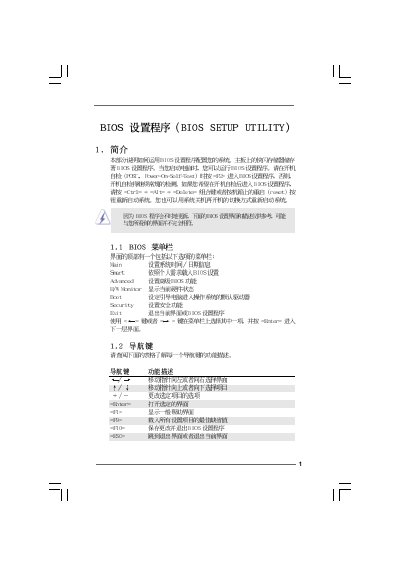
This manual provides a complete guide to the BIOS Setup Utility for the X58 SuperComputer P1.00. It describes each configuration screen – Main, Smart H/W Monitor, Advanced, Boot, Security and Exit – and explains how to navigate the menus using the keyboard.
The document also details specific settings such as CPU configuration, chipset options, DRAM timing, voltage control, hardware health monitoring, and password management. Instructions for loading defaults, saving changes, and exiting the BIOS are included, along with warnings about incorrect settings.
| Processor | Intel Xeon W 570 @ 3.20 GHz (64‑bit) |
|---|---|
| Total Memory | 512 MB Single‑Channel |
| BIOS Version | v02.54 |
Press F10 to save the current settings and exit the BIOS setup utility.
Press F9 to load the default BIOS configuration.
Use the Security menu, select "Change Supervisor Password" or "Change User Password" and follow the prompts.
Set "CPU Quiet Fan" to Disabled in the Advanced H/W Monitor screen.