
American Megatrends BIOS Setup Utility Manual

This is a screenshot of BIOS setup page, showing CPU configuration, memory configuration and other information.
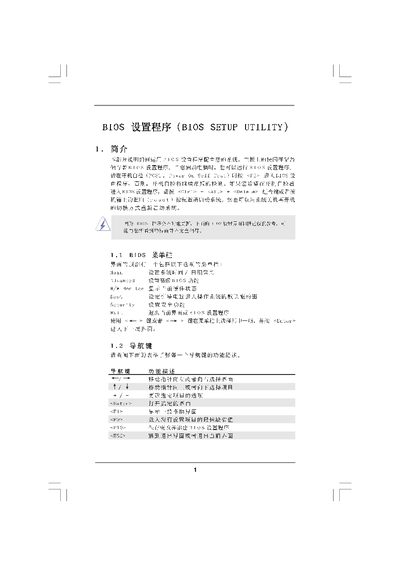

American Megatrends BIOS Setup Utility Manual - cover page
Brand
BIOS
Category
Upgrade guide
Document type
User Manual
Language
Chinese
Pages
15
File format
PDF
File size
783 KB
Published
06 April, 2012
Updated
30 September, 2023
MD5 checksum
8CD581869341B48E3484FF503DC59A77

About this manual

The BIOS Setup Utility manual provides step‑by‑step instructions for accessing the BIOS, adjusting system settings, and saving changes. It covers the main screen, advanced options, CPU and chipset configuration, ACPI power management, IDE and boot settings, as well as security and exit procedures.

The guide includes detailed descriptions of each menu item, key shortcuts (e.g., to enter BIOS, to save and exit), and warnings about incorrect settings that could affect system stability. This manual is written in Chinese.

What's inside

  • Main Screen
  • Advanced Screen
  • CPU Configuration
  • Chipset Configuration
  • ACPI Configuration
  • IDE Configuration
  • Boot Settings Configuration
  • Security Settings
  • Exit Options

Frequently asked questions

How can I reset BIOS settings to defaults?

Select the Load Defaults option (F9) and then Save and Exit to restore default settings.

What does the 'Boot Failure Guard' option do?

When enabled, it protects the system by preventing boot failures caused by power loss.

Download PDF (783 KB)

More BIOS Manuals


View all BIOS manuals →