
American Megatrends BIOS Setup Utility User Manual

The BIOS setup program is used to configure the system. The BIOS setup program is stored on the flash memory on the motherboard. When you start the computer, you can run the BIOS setup program. Press to enter the BIOS setup program during the power-on self-test (POST), otherwise, the power-on self-test will continue normal testing. If you want to enter the BIOS setup program after the power-on self-test, press ++ or press the reset button on the chassis to restart the system. You can also restart the system by switching between system shutdown and startup.
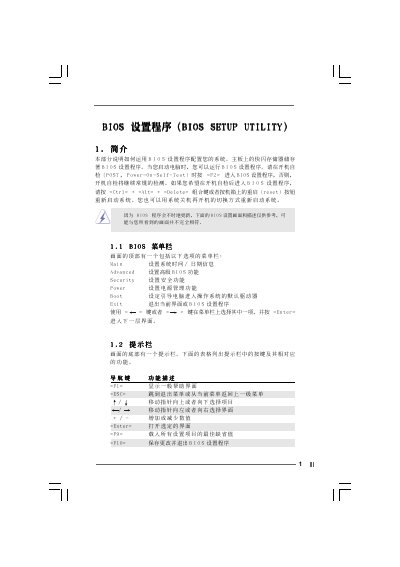

American Megatrends BIOS Setup Utility User Manual - cover page
Brand
BIOS
Category
Upgrade guide
Document type
User Manual
Language
Chinese
Pages
13
File format
PDF
File size
624 KB
Published
06 April, 2012
Updated
30 September, 2023
MD5 checksum
8C634B8B8FCC0DCB931DE00DBB2A7BA4

About this manual

This manual provides step‑by‑step instructions for navigating the AMI BIOS Setup Utility, including the Main Menu, Advanced BIOS Setup, Security, Power, and Boot menus. It describes each configurable option such as system date, time, CPU frequency, memory timings, and peripheral settings.

The guide also covers password management, power‑saving features, and hardware monitoring, helping users customize their system’s behavior and ensure proper operation of components like IDE devices, USB controllers, and onboard audio. This manual is written in Chinese.

What's inside

  • Main Menu
  • Advanced BIOS Setup Menu
  • Security Setup Menu
  • Power Setup Menu
  • Boot Setup Menu
  • Chipset Configuration
  • Peripheral Configuration
  • Resource Configuration
  • System Hardware Monitor

Specifications

BIOS version3.31a
Download PDF (624 KB)

More BIOS Manuals


View all BIOS manuals →