
This document is a user manual for BIOS setup utility, which includes information on main settings, advanced settings, hardware monitoring, boot options, security, and exiting. The product supports dual-channel memory mode and 64-bit processor, with multiple configuration options.
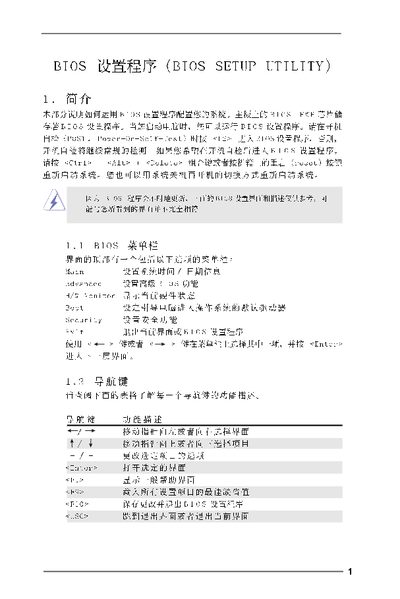
The BIOS Setup Utility manual explains how to access and configure the BIOS on a computer motherboard. It describes the main screen, advanced settings, CPU and chipset options, ACPI power management, IDE configuration, boot settings, security features, and exit procedures.
Each section provides the keyboard shortcuts for navigation, the meaning of each setting, and warnings about changing values that could affect system stability. The document also shows how to save changes, load default settings, and discard modifications before exiting the BIOS. This manual is written in Chinese.
| BIOS Version | 1.00 |
|---|---|
| Processor Type | Intel(R) CPU 3.40 GHz |
| Total Memory | 512 MB |
| Cache Size | 1024 KB |
| DDR Memory Speed | 266 MHz (DDRII533) |
Press F10 to save changes and exit, or press ESC to discard changes and exit.
Select the option "Load Optimal Defaults" and confirm to apply the default configuration.
Navigate to the Boot Settings screen and enable the "Boot From Network" option.