
This document introduces the features of Antec NSK 6000, NSK 6580 and NSK6580B quiet super tower cases, including the appearance, internal structure, installation instructions, etc.
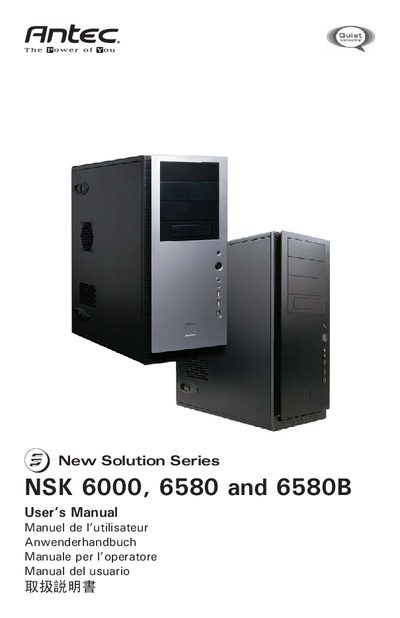
This manual covers the Antec New Solution Series quiet super mid‑tower cases (NSK 6000, NSK 6580, NSK 6580B). It describes the included power supply for the 6580 models, the chassis air guide, optional fan mounts, and the 80 PLUS certified EarthWatts 430 W PSU with active PFC and protective circuitry.
Detailed instructions are provided for setting up the case, installing the motherboard, connecting power, LED, USB, IEEE 1394, and audio ports, as well as installing 3.5" and 5.25" devices. The guide also explains the TriCool™ rear exhaust fan speed settings, optional front 92 mm fans, and includes a specifications table for the fan and PSU.
| Power supply model | EarthWatts 430 W |
|---|---|
| Power supply certification | 80 PLUS® Certified |
| Power supply protection | OPP, OVP, SCP |
| Rear fan size | 120 × 120 × 25.4 mm |
| Rear fan rated voltage | DC 12 V |
| Rear fan operating voltage | 10.2 V ~ 13.8 V |
| Rear fan speed settings | Low, Medium, High |
| Rear fan airflow (High) | 79 CFM |
The NSK 6580 and NSK 6580B include an EarthWatts 430 W power supply with universal input, active PFC and 80 PLUS certification.
The rear TriCool fan provides three speed settings: Low, Medium, and High.
Use the 10‑pin Intel‑standard connector on the front USB cable and attach it to the matching motherboard header, following the pin layout table.
The fan measures 120 × 120 × 25.4 mm and is rated at DC 12 V.