
This document is the user manual for Antec NSK3480, which provides detailed information on the product features and usage
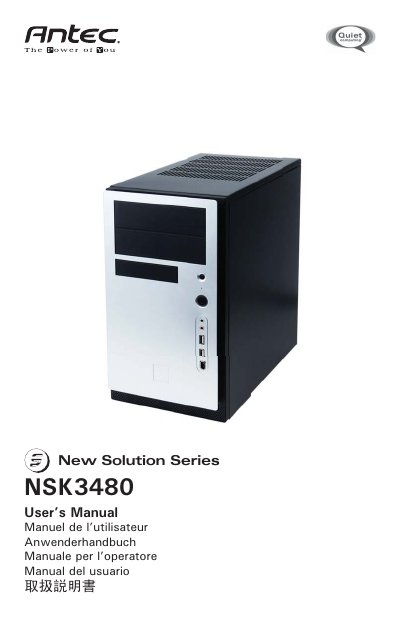
This manual guides you through unpacking the NSK3480 case, installing the motherboard, connecting power and front‑panel connectors, and mounting storage devices. Detailed wiring diagrams cover the 24‑pin ATX, 4‑pin 12 V, USB, IEEE‑1394, and audio connectors, with notes on compatible I/O panels and adapters.
The case features a dual‑chamber design, a TriCool 120 mm rear fan with three speed settings, optional 92 mm front fans, and an EarthWatts 380 W power supply that meets ATX12V v2.2 specifications and includes OPP, OVP, and SCP protection. Specifications and safety information are listed at the end of the guide.
| Case dimensions | 120 x 120 x 25.4 mm |
|---|---|
| Rated voltage | DC 12 V |
| Operating voltage range | 10.2 V – 13.8 V |
| Rear fan speed (low) | 1200 RPM, 0.13 A, 25 dBA |
| Power supply protection | OPP, OVP, SCP |
Turn the main power switch to the ON (I) position before you boot up the computer for the first time.
It provides over‑power protection (OPP), over‑voltage protection (OVP), and short‑circuit protection (SCP).