
This document is the user manual for the NSK 6000, 6580, and 6580B series. It describes the features and characteristics of these products.
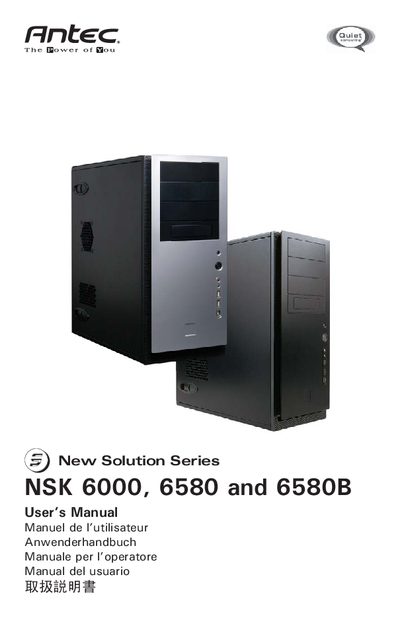
The NSK Solution Series includes the silent super‑mid tower cases NSK 6000, NSK 6580 and NSK 6580B, designed to meet Thermally Advantaged Chassis guidelines and offering optional power supplies.
The manual covers setup, motherboard installation, front‑panel and audio connections, drive mounting, chassis air‑guide and cooling fan installation, with safety warnings and wiring diagrams. This manual is written in Japanese.
| Power Supply (NSK 6580/6580B) | 430 W |
|---|---|
| Power Supply Fan Size | 80 mm |
| Power Supply ATX Compatibility | ATX12V v2.2 |
| TriCool Fan Size | 120 x 120 x 25.4 mm |
| TriCool Fan Rated Voltage | DC 12 V |
| TriCool Fan Operating Voltage | 10.2–13.8 V |
Place the case on a flat, stable surface with the side panel removed so the power‑fan faces you, then follow the step‑by‑step instructions.
Both models include an EarthWatts 430 W power supply with universal AC input, active PFC and an 80 mm fan.
The front USB cable has a keyed 10‑pin connector that plugs into the motherboard’s standard USB header, preventing reverse insertion.