
This document is the user manual for the NSK 4000 / 4480 / 4480B New Solution Series, providing information about the features and characteristics of the products.
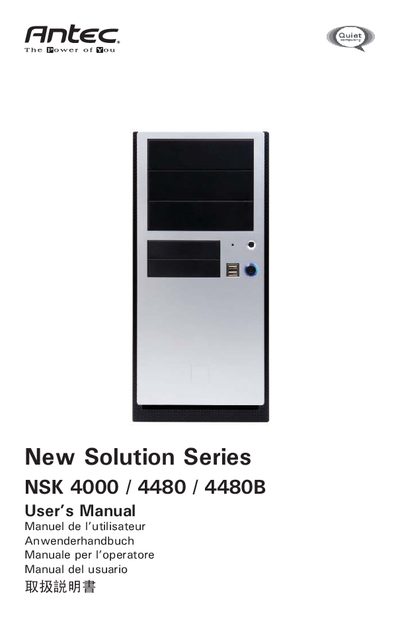
This manual covers safety precautions and step‑by‑step setup for the Antec New Solution Series computer cases. It explains how to unpack the case, remove the top cover, install the power supply (or note that the NSK 4000 requires a user‑supplied PSU), and mount the motherboard, drives and optional cooling components.
Additional sections describe the advanced thermal shroud air guide, fan speed settings, USB header connections, and detailed specifications for the included 120 mm fan. Contact information for Antec support in the US and Europe is provided at the end of the document. This manual is written in Japanese.
| Fan size | 120 x 120 x 25.4 mm |
|---|---|
| Rated voltage | DC 12V |
| Operating voltage | 10.2–13.8V |
No, the NSK 4000 does not include a power supply; users must select and install their own PSU.
The fan offers three speed settings: Low, Medium and High, selectable via a three‑position switch.
Connect the reset switch to the motherboard's RST connector; orientation does not matter.