
This is a white paper on wireless charging technology
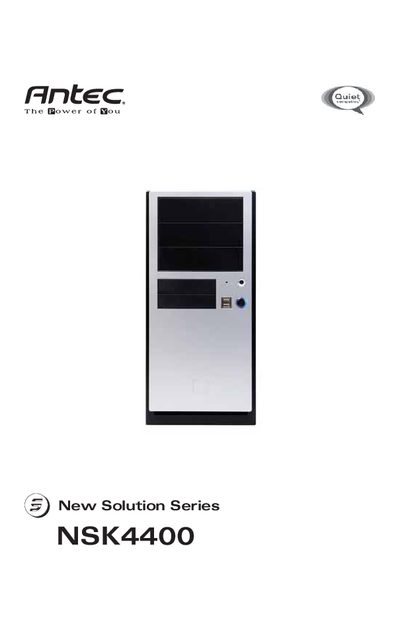
This manual covers the Antec NSK4400 Super Mini Tower case, which meets Intel’s Thermally Advantaged Chassis design guide and includes a 380 W universal‑input power supply with active PFC and multiple protection features. Details on the power supply, fan options, and chassis air guide are provided.
Step‑by‑step instructions guide you through opening the case, installing the motherboard, connecting power and LEDs, mounting 3.5" and 5.25" drives, and adding optional side fans. The specifications section lists fan speed currents, airflow, noise levels, and electrical ratings.
| Size | 120 x 120 x 25.4mm |
|---|---|
| Rated Voltage | DC 12V |
| Operating Voltage | 10.2V ~ 13.8V |
| High Speed Current | 0.24A |
| Medium Speed Current | 0.20A |
| Low Speed Current | 0.134A |
The NSK4400 comes with a 380 W universal‑input, active PFC, single 80 mm fan‑cooled power supply that meets ATX12V version 2.0 specifications.
The case can hold two external 3.5" drives and three internal 3.5" HDD drives.
The default setting of the TriCool™ fan is Low, which is recommended for quiet computing.