
This document provides the user manual for the Antec New Solution Series NSK 4000 / 4480 / 4480B, including product features and specifications, as well as differences between different models.
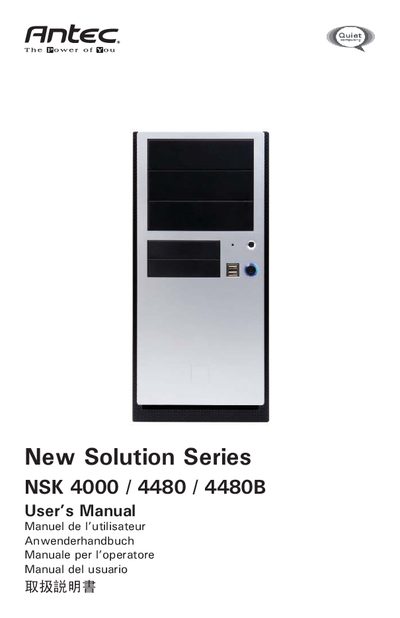
The New Solution Series includes the super mini tower cases NSK 4000, 4480 and 4480B. The NSK 4000 ships without a power supply, while the NSK 4480 and 4480B include an EarthWatts 380 W PSU with active PFC and 80 PLUS certification. The case meets Intel’s Thermally Advantaged Chassis design guide and features a TriCool™ fan with three speed settings.
The manual walks you through unpacking, opening the case, installing the motherboard, connecting power and LEDs, mounting 3.5" and 5.25" drives, and optional fan and air‑guide installation. It also details USB header pin layout, fan specifications, and provides safety and warranty information.
| Size | 120 x 120 x 25.4 mm |
|---|---|
| Rated Voltage | DC 12V |
| Operating Voltage | 10.2V ~ 13.8V |
| High Speed Fan | 2000 RPM, 30 dBA, 2.9 W |
| Medium Speed Fan | 1600 RPM, 28 dBA, 24 W |
| Low Speed Fan | 1200 RPM, 25 dBA, 1.6 W |
They come with an EarthWatts 380 W PSU that has universal input, active PFC, and 80 PLUS certification.
The case has one 3.5" drive cage that can hold two external 3.5" drives and three internal 3.5" HDDs.
The fan will start at a minimum voltage of 5 V.
Connect the pins in the order power, negative signal, positive signal, ground, following the Intel standard.