
This is a product manual for Logitech® Wireless Combo MK220, including product features, model, user instructions and troubleshooting.
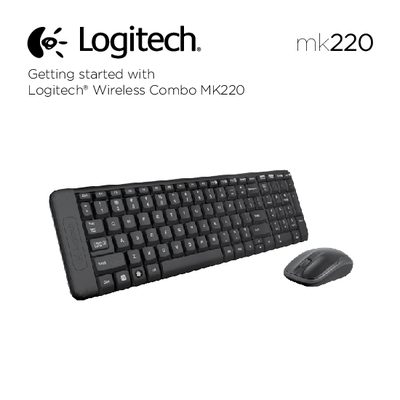
The MK220 Wireless Combo includes a compact keyboard and a wireless mouse, both featuring easy‑access hotkeys and standard mouse buttons. The manual lists the available keyboard hotkeys such as mute, volume control, print screen and others, as well as the mouse’s left, right and scroll‑wheel functions.
The guide walks users through initial setup, battery installation, and how to ensure the USB receiver is properly connected. It also offers troubleshooting steps for connectivity issues, including checking battery orientation, moving the receiver, and using Logitech’s Reconnection Utility if needed.
| Keyboard hotkeys | Mute, Volume Down, Volume Up, Print screen, Pause break, Context menu, Scroll lock |
|---|---|
| Mouse buttons | Left button, Scroll wheel, Right button |
Check the orientation of the batteries inside the keyboard and mouse, or replace the batteries; also verify the USB receiver is securely plugged in and try moving it closer to the devices.
Download the Reconnection Utility from Logitech’s website and run it to re‑pair the receiver with the keyboard and mouse.