
This is a user guide for Logitech® Webcam C160, which describes the features and characteristics of the product.
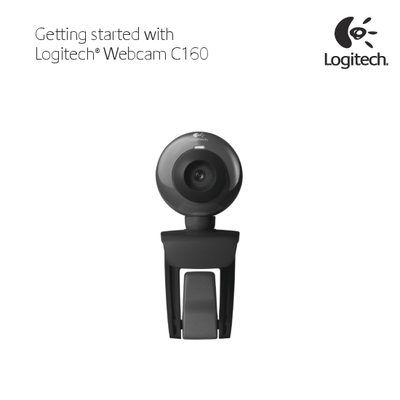
This manual guides you through the initial setup of the Logitech C160 webcam, including hardware placement, software installation, and basic operation. It also provides instructions for using Logitech Vid HD for video calling and tips for testing and adjusting the camera.
Key sections cover setting up the webcam, creating a Logitech Vid HD account, adding friends, testing focus, and navigating the Logitech Webcam Software to capture photos, record videos, and adjust settings.
| Focus type | Manual focusing ring |
|---|---|
| Built‑in microphone | Yes |
| Snapshot button | Present |
| Activity light | Present |
Place the webcam on a surface, connect it to the computer, and install the Logitech Webcam Software as described in the setup section.
Run the Logitech Vid HD installer that comes with the webcam, follow the on‑screen prompts, and create a Vid HD account to enable video calls.
Open the Logitech Webcam Software, choose Quick Capture, rotate the focusing ring until the picture is sharp, and click the image to view its sharpness.
Click the Add a Friend tile in the software, enter your friend’s e‑mail address, and after they accept, select their picture to start a call.