
This document is the user manual for Logitech Harmony 650 remote control
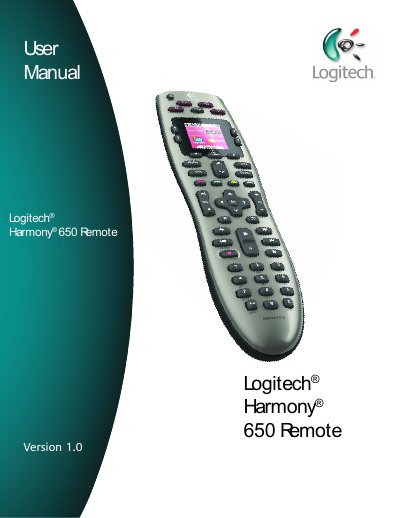
This user manual provides step‑by‑step instructions for setting up the Logitech Harmony 650 remote, configuring devices, creating Activities, and using on‑screen features. It also covers how to update firmware, adjust backlight timing, and maintain the remote.
The guide includes detailed descriptions of each button, how to control devices individually, and troubleshooting tips such as using the Help button to resync the remote with your entertainment system.
| LCD Size | 1.5" Diagonal |
|---|---|
| LCD Resolution | 128 x 128 |
| LCD Screen Colors | 65,000 Color |
| Power Source | AA batteries |
| IR Transmission Range | Up to 50 ft |
| Memory Type | Flash Memory |
| Weight | 6 oz (with battery installed) |
Press the All Off button on the remote.
You can set the backlight timing in Remote Settings by choosing the number of seconds before it turns off.
The remote can transmit IR commands up to 50 ft.
The remote uses AA batteries.