
Introduces the features and usage of Logitech Webcam C260
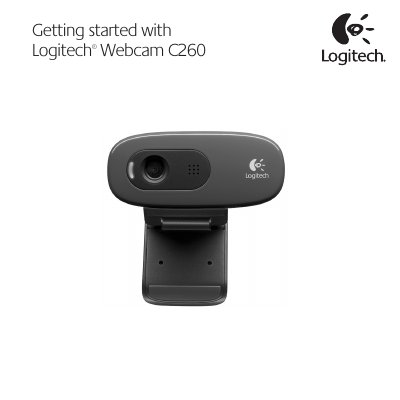
This guide walks you through unpacking the Logitech C260 webcam, connecting it to your computer, and installing the Logitech Webcam Software and Logitech Vid HD application. It also explains how to create a Vid HD account and configure settings for video calling.
The manual details how to use the Logitech Webcam Software to capture photos and videos, manage the gallery, apply video effects, and share media via email, Facebook, or YouTube. It includes tips for testing settings with the Practice Call tile and accessing help resources.
| Microphone | Built‑in |
|---|---|
| Activity light | LED indicator |
| Flexible clip/base | Adjustable |
Install both the Logitech Webcam and Logitech Vid HD software as recommended in the manual.
Click the help icon in the Logitech Webcam Software to open the full user manual and how‑to videos.