
This document introduces the use of Logitech G100 mouse and keyboard, including connection, customization and other functions.
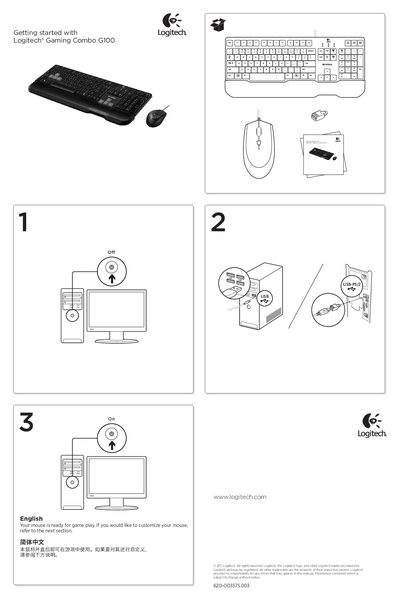
This manual introduces the Logitech Gaming Combo G100, a mouse and keyboard set designed for gaming. It explains how to get the mouse ready for gameplay, outlines the main product features such as left/right buttons, scroll wheel, and DPI button, and describes the three DPI settings (1000, 1750, 2500).
The guide also offers troubleshooting and setup help, including checking USB connections, using a powered USB port, employing the USB‑PS/2 adapter for the keyboard, and reinstalling drivers. Users are directed to download the free SetPoint® software for further customization of button functions and DPI settings. This manual is written in Chinese.
| DPI settings | 1000, 1750, 2500 |
|---|---|
| Interface | USB, USB‑PS/2 |
Press the DPI button repeatedly to cycle through the three DPI settings: 1000, 1750, or 2500.
Check the USB cable connections, use a powered USB port, try different USB ports, use the USB‑PS/2 adapter for the keyboard, reboot the computer, or test the devices on another computer.