
This manual describes the features and functions of the Logitech Transporter, including how to connect, set up, and use Transporter
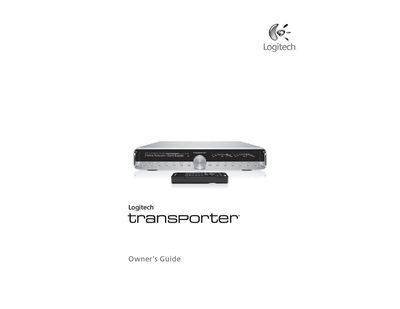
The Logitech Transporter is a network‑enabled music player that streams digital audio from a computer running SlimServer. This guide explains how to install the SlimServer software, configure networking, and use the remote or front‑panel controls to play music, internet radio, and RSS feeds.
It also details the analog and digital audio connections, standby operation, and basic troubleshooting steps, helping users get the most out of their Transporter player.
| Unbalanced RCA analog output | 2 Vrms / 5.7 Vpp, 100 Ω impedance, selectable attenuation |
|---|---|
| Balanced XLR analog output | 3 Vrms / 8.5 Vpp, 100 Ω impedance, fixed attenuation |
| TOSLINK optical digital output | 660 nm wavelength, IEC‑958 / S/PDIF encoding |
| Coaxial RCA digital output | ≈0.5 Vrms into 75 Ω, IEC‑958 / S/PDIF encoding |
| BNC digital output | 500 mVpp into 75 Ω, IEC‑958 / S/PDIF encoding |
| Balanced XLR digital output (AES/EBU) | 4.7 Vpp into 110 Ω, AES/EBU encoding |