
This file is the user manual for Logitech QuickCam 5000 and SightSpeed 5.0
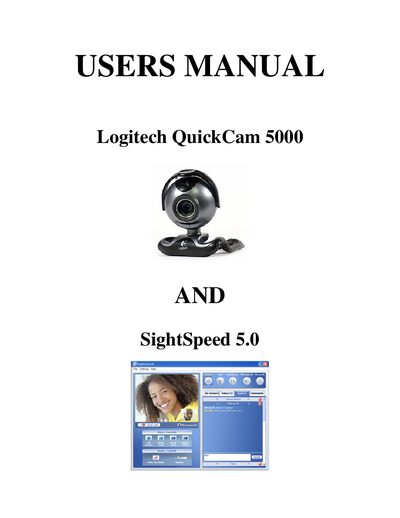
This manual guides you through setting up the Logitech QuickCam 5000 webcam on a Windows PC, installing the required software, and using SightSpeed 5.0 for video calls. It includes step‑by‑step instructions, system requirements, and tips for a successful installation.
The document also provides troubleshooting advice for common issues such as missing sound, no camera image, and what to do if you lack a CD/DVD drive, plus contact information for Logitech, Wartburg College, and SightSpeed support.
| Minimum CPU | 1.0 GHz |
|---|---|
| Minimum RAM | 256 MB |
| DirectX version | 9 or higher |
| Internet Explorer version | 5.5 or higher |
The software can only be used on PCs with Microsoft Windows XP or Windows 2000 installed; Windows XP must have Service Pack 2 or later.