
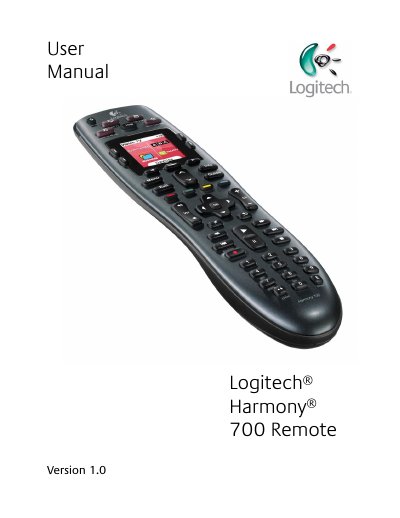
The Harmony 700 is an Activity‑based infrared universal remote that lets you control up to 8 devices with a single button press. It uses Smart State Technology to keep track of device states and inputs.
This manual covers getting started, button functions, selecting and creating Activities, using the Remote Assistant, charging the remote, troubleshooting with the Help button, and detailed product specifications.
| LCD size | 1.5" (diagonal) |
|---|---|
| LCD resolution | 128 x 128 pixels |
| LCD colors | 65,000 colors |
| Power source | Rechargeable batteries |
| Battery type | NiMH AA |
| Devices supported | 5,000+ |
| Maximum devices per account | 8 |
| Backlit keypad | Yes, white |
| IR learning | Yes (up to 200 kHz) |
| IR transmission range | Up to 50 ft |
| Memory capacity | 2 MB Flash |
| Weight | 6 oz (with battery installed) |
| Dimensions | 8.75" x 2.3" x 1.3" |
| Warranty | 1 year (2 years for Europe) |
Press the All Off button to power off all devices used in the current Activity.
Insert the USB cable into the top of the remote, connect the other end to the AC adaptor, and plug the adaptor into a wall outlet.
The LCD screen is 1.5 inches diagonal.
Press the Help button; holding it for 5 seconds accesses advanced help features.