
This document introduces the use of the Logitech Squeezebox Duet network music system.
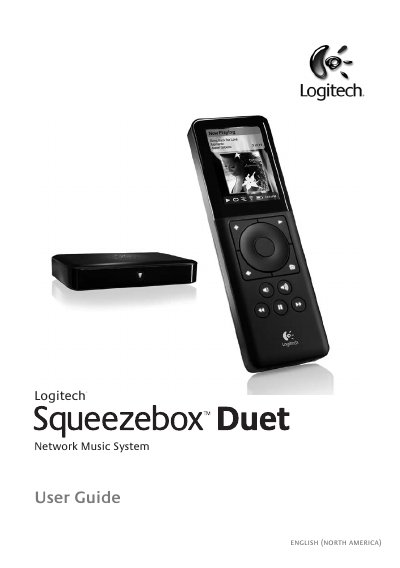
This guide covers everything you need to set up and use the Logitech Squeezebox Duet, including hardware assembly, battery charging, and connecting the Controller and Receiver to your home network. It explains the three possible network configurations—all‑wireless, hybrid, and bridged—and details how to enter wireless security keys.
The manual also describes how to navigate the Squeezebox Controller interface, create playlists, browse your music library, and access Internet radio and music services. Appendices provide firewall configuration, button color codes, software updates, supported file formats, iTunes integration, troubleshooting steps, and warranty information.
| Supported Operating Systems | Windows Vista/XP/2000, Mac OS X 10.3+, Linux with Perl 5.8.3+ |
|---|---|
| Minimum CPU | 733 MHz |
| Minimum RAM | 256 MB |
| Minimum Hard‑Drive Space | 80 MB |
| Network Compatibility | Ethernet and/or 802.11b/g/n wireless |
| Battery Type | Rechargeable Li‑ion battery |
| Operating Temperature | 0 °C to +40 °C |
| Operating Humidity | 10 %–90 % non‑condensing |