
This is a quick start guide for Logitech Squeezebox Radio Wi-Fi Internet Radio. This guide covers basic hardware setup.
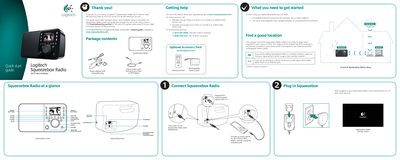
This guide walks you through the basic hardware setup of the Logitech Squeezebox Radio, including connecting power, audio, and network (Wi‑Fi or Ethernet). After the hardware is powered on, the device’s on‑screen wizard guides you through language selection, network configuration, and software registration.
It also provides troubleshooting tips for common issues such as network connection problems, factory reset procedures, and battery safety, plus warranty and regulatory information.
| Operating temperature range | 0.0 – 40.0 °C |
|---|---|
| Battery type | Nickel Metal Hydride rechargeable |
Press and hold the Power button until the unit turns off, then press it again and immediately hold the More button until a “Factory Reset” message appears on the screen.
Press and hold the Power button until the unit turns off, then release and press the Power button again to turn it back on.