
The Logitech Harmony 300 is a simple and easy-to-use home entertainment remote control. By installing batteries and gathering device information, it can be set up and used effortlessly. It can control various devices such as TV, cable/satellite receiver, DVD player, etc.
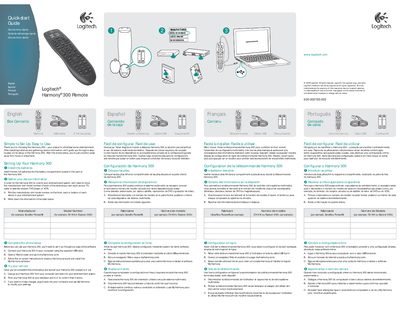
The Harmony 300 Quick Start Guide walks you through the initial setup of the remote, including battery installation, gathering device information, and completing the online configuration with My Harmony software. After the simple online setup, the remote is ready to control your TV, cable/satellite receiver, DVD player, and other entertainment devices.
The guide also covers care and maintenance, battery safety, FCC compliance, and warranty information, ensuring safe long‑term use of the remote.
| Battery type | 2 AA batteries |
|---|---|
| Included cable | USB cable |
| Warranty period | 1 year |
Insert the two AA batteries into the battery compartment located at the back of the remote.