
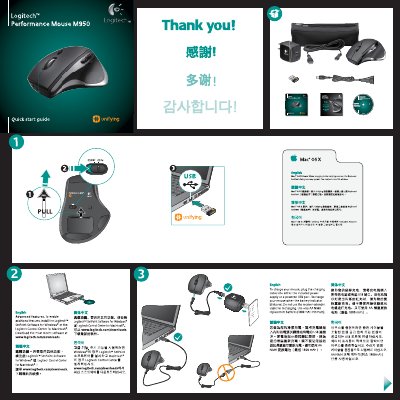
This guide explains how to get the Logitech Performance Mouse M950 up and running. It includes instructions for installing the Logitech SetPoint software (Windows) or Logitech Control Center (Mac), charging the mouse, and using the Unifying receiver.
The document also provides troubleshooting steps for pointer issues, battery problems, and receiver connectivity, plus contact information for Logitech support.
| Battery type | AA NiMH (1800 mAh minimum) |
|---|---|
| Charging method | Charge via included power supply or a powered USB port |
| Receiver type | Logitech Unifying receiver |
Plug the charging cable into the included power supply or a powered USB port; the battery indicator will blink red when charging.