
Key facts
- Brand
- Yamaha
- Model
- DX1
- Documents
- 2
- Languages
- EN
- Last added
- 2012-06-12
Start here
Yamaha DX1 Automatic Accompaniment Owner's Manual
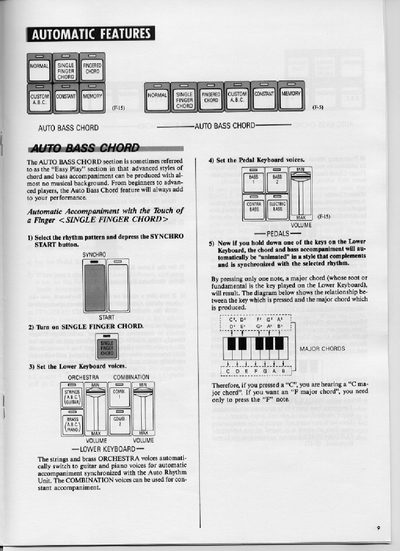
This manual explains how to use the Yamaha DX1 Electone's Automatic Accompaniment system. It details three primary methods: Single Finger Chord for playing major chords with one key, Fingered Chord for manually forming complex chords, and Custom A.B.C. for advanced harmonic structures using both keyboards.
The document also covers related features such as the Auto Arpeggio function, which creates sparkling backgrounds based on held notes, and the Memory function to sustain accompaniment without holding keys. Additionally, it provides information on accessory jacks like Headphone, Aux.In/Out, and Exp.In.
All Yamaha DX1 documents by type
Day-to-day operation, settings and troubleshooting. Start here if the product is already set up.
Questions answered in these manuals
How do I produce a major chord with one finger?
Press only one note on the Lower Keyboard; the system will automatically play the corresponding major chord.
How can I produce minor or seventh chords?
For minor chords, press the root key and any black key to its left. For seventh chords, press the root key and any white key to its left.
What is the Single Finger Chord feature?
It allows advanced styles of chord and bass accompaniment to be produced with almost no musical background by pressing only one note.
How do I produce a minor chord?
To produce a minor chord, simultaneously press the key corresponding to the root and any black key to the left of it.