
Key facts
Start here
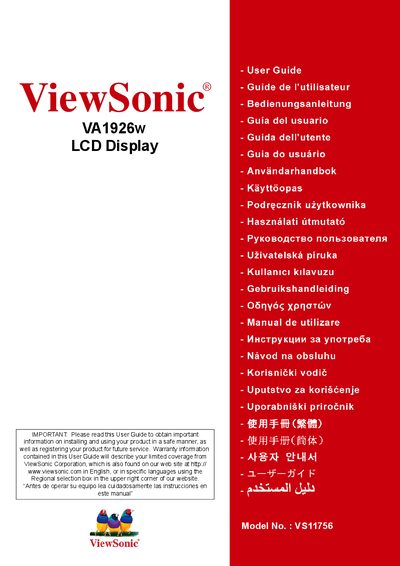
ViewSonic VA1926w LCD Display User Guide
This user guide explains how to install, configure, and safely operate the ViewSonic VA1926w 19‑inch LCD display. It includes important safety instructions, product registration details, and environmental compliance information such as TCO’03 and RoHS certifications.
The manual also covers quick installation, wall‑mounting options, on‑screen display (OSD) settings, image adjustment, and troubleshooting. Technical specifications, warranty terms, and contact information for service centers in the United States, Mexico, and other regions are provided.
ViewSonic VA1926W specifications
| Display Size | 19" |
|---|---|
| Resolution | 1440 x 900 |
| Contrast Ratio | 2000:1 (DCR) |
| Brightness | 300cd/m² |
| Response Time | 5ms |
| Panel Type | TN colour TFT active matrix |
| Viewing Angle | 150° horizontal, 140° vertical |
| Power Consumption | 32 watt (typ.) |
| Operating Temperature | 0°C-40°C |
| Dimensions (with stand) | 440 x 383 x 195 mm |
| Weight (with stand) | 4.0kg |
| Inputs | Analogue VGA and Digital DVI-HDCP |
| Wall Mount | VESA 100x100mm |
All ViewSonic VA1926W documents by type
Day-to-day operation, settings and troubleshooting. Start here if the product is already set up.
Questions answered in these manuals
How can I register my ViewSonic VA1926w monitor?
Visit the ViewSonic website at www.viewsonic.com and use the product registration page or the ViewSonic Wizard CD‑ROM to print and submit the registration form.
What is the native resolution of the VA1926w?
1440 x 900@60Hz.
What is the contrast ratio?
2000:1 (DCR) dynamic contrast ratio.
What power‑saving mode does the VA1926w have?
The display includes an ENERGY STAR power‑saving mode that reduces consumption to less than 1 W when idle.
Can I mount the VA1926w on a wall?
Yes, using a UL‑listed wall‑mount kit that matches the VESA 100 mm × 100 mm pattern; disconnect power, remove the rear cover, and attach the mount according to the instructions.