
Key facts
Start here
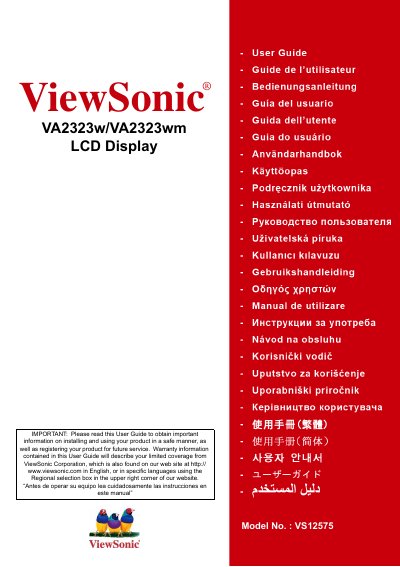
ViewSonic VA2323w/VA2323wm LCD Display User Guide
This manual covers the ViewSonic VA2323w/VA2323wm LCD Display, including package contents, quick installation, and wall mounting options. It details how to set the timing mode, adjust the screen image, and use the On-Screen Display (OSD) controls. The guide also includes troubleshooting steps and cleaning instructions to maintain the device.
Read onlineAll ViewSonic VA2323w/VA2323wm documents by type
Day-to-day operation, settings and troubleshooting. Start here if the product is already set up.
Questions answered in these manuals
What is the screen size of this display?
The product is a 23-inch wide LCD display.
How should you clean the display surface?
You must clean it with a soft, dry cloth.
What is included in the package?
The package includes the LCD display, power cord, audio cable (VA2323wm), D-Sub cable, ViewSonic Wizard CD and quick start guide.
How should I clean the LCD display?
Clean it with a soft dry cloth; if it is still not clean, refer to the further instructions in "How to clean LCD display".
Is an audio cable included?
Yes, an audio cable (stereo mini plug) is included for the VA2323wm.
Can I use the display near water?
No, do not use the display near water.