
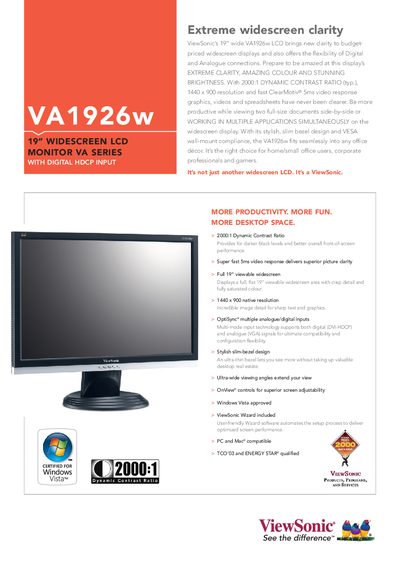
This manual provides setup and operating instructions for the ViewSonic VA1926w, a 19” widescreen LCD monitor with digital HDCP and analogue inputs. It supports Windows Vista and Mac, and includes features like OptiSync® input flexibility, anti-glare panel, and ViewSonic Wizard software for automatic setup. The monitor is designed for home and office use with VESA wall-mount compatibility and TCO'03/ENERGY STAR compliance.
Technical specifications include 1440 x 900 native resolution, 2000:1 dynamic contrast ratio, 300cd/m² brightness, and 5ms response time. It comes with a VGA cable, DVI cable, power cable, and Quick Start Guide. The monitor is compatible with PC and Mac systems and includes Kensington security port and OSD controls for image adjustment.
| Display Size | 19" |
|---|---|
| Resolution | 1440 x 900 |
| Contrast Ratio | 2000:1 (DCR) |
| Brightness | 300cd/m² |
| Response Time | 5ms |
| Panel Type | TN colour TFT active matrix |
| Viewing Angle | 150° horizontal, 140° vertical |
| Power Consumption | 32 watt (typ.) |
| Operating Temperature | 0°C-40°C |
| Dimensions (with stand) | 440 x 383 x 195 mm |
| Weight (with stand) | 4.0kg |
| Inputs | Analogue VGA and Digital DVI-HDCP |
| Wall Mount | VESA 100x100mm |
1440 x 900@60Hz.
2000:1 (DCR) dynamic contrast ratio.
Analogue VGA and Digital DVI-HDCP inputs.
32 watts (typical), less than 1 watt in power save mode.