
Key facts
Start here
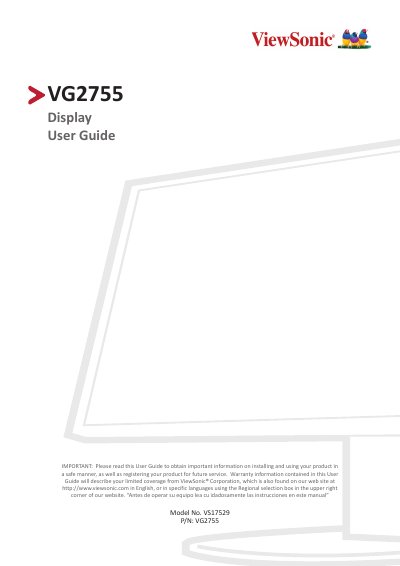
ViewSonic VG2755 Display User Guide
User Manual 70 pages · 4.9 MB · EN
The ViewSonic VG2755 is an IPS display included in a package containing a power cord, video cable, USB cable, and quick start guide. The manual covers safety precautions, initial setup including stand installation and wall mounting options using VESA standards, and various connection methods such as HDMI, DisplayPort, VGA, and USB.
Read onlineViewSonic VG2755 specifications
| Display Size | 68.5 cm (27" viewable) |
|---|---|
| LCD Type | a-Si TFT active matrix |
| Resolution | Up to 2560 x 1440 |
| Input Voltage | AC 100-240 V, 50/60 Hz |
| Power Consumption (On) | 26.54 W (Typical) |
| Weight | 6.9 kg (15.21 lbs) |
All ViewSonic VG2755 documents by type
User Manual 2
Day-to-day operation, settings and troubleshooting. Start here if the product is already set up.
Questions answered in these manuals
What is the model number of this display?
The model number for this product is VS17529 with part number VG2755.
How far should a user sit from the display?
You should sit at least 18 inches or 45 cm from the display.
What is the recommended resolution for this monitor?
The recommended resolution is 2560 x 1440 @ 60 Hz.
What are the operating temperature conditions?
The operating temperature range is 0°C to 40°C (32°F to 104°F).