
This document is the user manual for ViewSonic VA1926w display, which introduces the features and usage methods of the display.
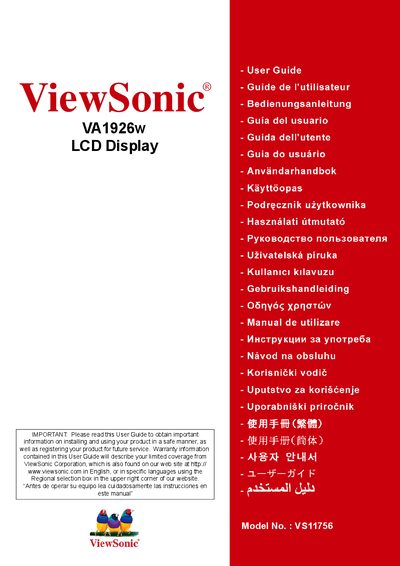
This user guide explains how to install, configure, and safely operate the ViewSonic VA1926w 19‑inch LCD display. It includes important safety instructions, product registration details, and environmental compliance information such as TCO’03 and RoHS certifications.
The manual also covers quick installation, wall‑mounting options, on‑screen display (OSD) settings, image adjustment, and troubleshooting. Technical specifications, warranty terms, and contact information for service centers in the United States, Mexico, and other regions are provided.
| Display size | 19 inches |
|---|---|
| Model number | VS11756 |
Visit the ViewSonic website at www.viewsonic.com and use the product registration page or the ViewSonic Wizard CD‑ROM to print and submit the registration form.