
Key facts
Start here
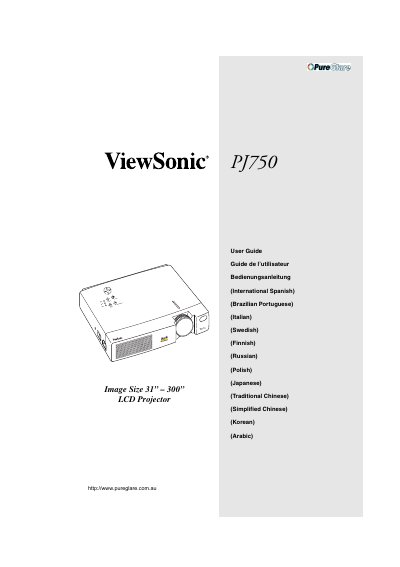
ViewSonic PJ750 LCD Projector User Guide
User Manual 30 pages · 2.4 MB · EN
This document is the official user guide for the ViewSonic PJ750 LCD projector. It covers the complete lifecycle of the device, from unboxing and connecting input/output devices to positioning the projector for optimal image quality. The guide details the use of control buttons, menu navigation, and image adjustment features such as zoom and focus.
Read onlineViewSonic PJ750 specifications
| Product Type | LCD Projector |
|---|---|
| Image Size Range | 31" - 300" |
| Model Number | VPROJ22826 |
All ViewSonic PJ750 documents by type
User Manual 2
Day-to-day operation, settings and troubleshooting. Start here if the product is already set up.
Questions answered in these manuals
What is the warm-up period for the projector?
The projector requires a warm-up period of approximately 45 seconds after the power is turned on.
How long should the projector cool down after being turned off?
The unit remains in cool-down mode with the fan on for approximately 1 minute after the lamp is turned off.
How can I attach the optional handle to the projector?
Lift the handle hook, pass the handle through the hole, and buckle both ends as shown in the guide.