
Key facts
Start here
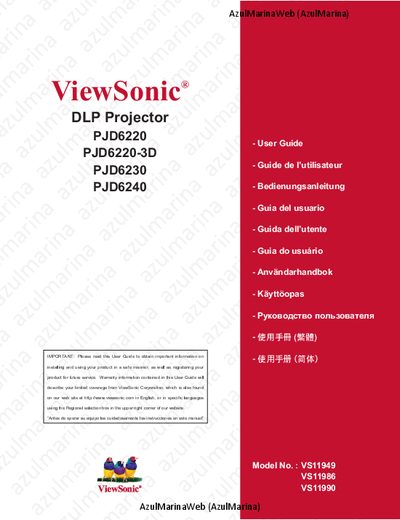
ViewSonic PJD6220/6220-3D/6230/6240 User Guide
This manual covers safety precautions, power‑cord requirements, and registration information for the ViewSonic PJD6220, PJD6220‑3D, PJD6230 and PJD6240 DLP projectors. It includes a detailed table of contents that walks users through installation, connection, remote‑control operation, menu navigation, network management, and maintenance tasks such as lens cleaning and lamp replacement.
Technical specifications are listed, highlighting the single‑chip 0.55" Texas Instruments DLP engine, XGA (1024 × 768) resolution, video compatibility (VGA, SVGA, XGA, SXGA), and support for multiple video standards (NTSC, PAL, SECAM, HDTV). The guide also provides RS‑232 command information, LED indicator meanings, and troubleshooting tips.
ViewSonic PJD6240 specifications
| Brightness | 3,200 Lumens |
|---|---|
| Lamp Power | 260 watt |
| Contrast Ratio | 2000:1 |
| Resolution | XGA 1024x768 native / SXGA 1280x1024 compressed |
| Throw Ratio | 1.971 – 2.161 |
| Power Consumption | 350W typical / 9W standby |
| Net Weight | 6.7 lbs (3.0 kg) |
All ViewSonic PJD6240 documents by type
Day-to-day operation, settings and troubleshooting. Start here if the product is already set up.
Questions answered in these manuals
How do I replace the lamp?
The projector has a top‑loading design that allows quick and easy lamp replacement.
What type of AC power cord should be used with the projector?
The AC power cord must match the plug type of the country where the projector is used and be a grounding‑type plug.
How can I register my ViewSonic projector?
Product registration can be completed online at www.viewsonic.com or by using the ViewSonic Wizard CD‑ROM to print and mail the registration form.
What are the important safety instructions for the projector?
Do not use the unit near water, keep ventilation openings clear, use the supplied grounding plug, and unplug the projector when not in use.
From: ViewSonic PJD6220/PJD6230/PJD6240 DLP Projector User Guide
How can I clean the lens of the projector?
Clean the lens with a soft, dry cloth; if residue remains, follow the “Cleaning the Display” instructions in the guide.
From: ViewSonic PJD6220/PJD6230/PJD6240 DLP Projector User Guide
What is the model number of the ViewSonic projector?
The model number is VS11949/VS11986/VS11990.
From: ViewSonic PJD6220/PJD6230/PJD6240 DLP Projector User Manual