
The PJD6240 lightweight BrilliantColor™ projector is a feature-rich performer delivering more vibrant colors and crisp, sharp images.
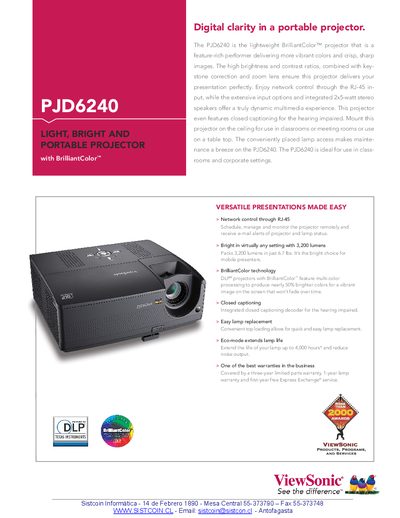
The PJD6240 is a lightweight portable projector featuring BrilliantColor™ technology, 3,200 lumens brightness, 2000:1 contrast, and a 260‑watt lamp with up to 4,000‑hour eco‑mode life. It offers network control via RJ‑45, built‑in stereo speakers, closed captioning, and keystone correction for flexible classroom or meeting‑room use.
This manual covers installation options (table‑top or ceiling mount), lamp replacement, network configuration, input connections (RGB, HDMI, VGA, composite, S‑Video, USB, RS‑232), operating controls, environmental limits, technical specifications, warranty information, and a quick‑start guide to get the projector up and running quickly.
| Brightness | 3,200 Lumens |
|---|---|
| Lamp Power | 260 watt |
| Contrast Ratio | 2000:1 |
| Resolution | XGA 1024x768 native / SXGA 1280x1024 compressed |
| Throw Ratio | 1.971 – 2.161 |
| Power Consumption | 350W typical / 9W standby |
| Net Weight | 6.7 lbs (3.0 kg) |
The projector has a top‑loading design that allows quick and easy lamp replacement.