
Key facts
- Brand
- SONY
- Model
- DSC-TX1
- Category
- Digital cameras
- Industry
- Electronics
- Documents
- 2
- Languages
- ZH · JA
- Last added
- 2012-03-12
Start here
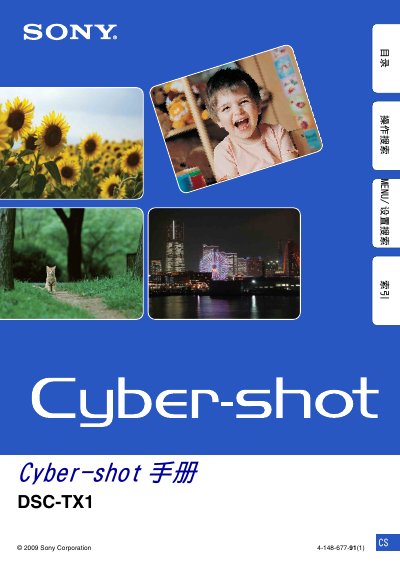
Sony DSC‑TX1 User Manual
This manual explains how to operate the Sony DSC‑TX1 digital camera, covering menu navigation for shooting and playback, lens cover functions, and special shooting modes such as Red‑Eye Reduction and Intelligent Auto. It also details the use of compatible Memory Stick Duo cards, battery charging procedures, and care for the LCD screen.
Additional sections cover troubleshooting tips, safety warnings, and licensing information for the software bundled with the camera. The document includes an index and reference tables for quick access to specific functions and specifications. This manual is written in Japanese.
SONY DSC-TX1 specifications
| Supported Memory Card | Memory Stick Duo (sold separately) |
|---|---|
| Battery Charger Model | BC-CSD |
| Battery Type | Rechargeable battery – use original Sony charger |
All SONY DSC-TX1 documents by type
Day-to-day operation, settings and troubleshooting. Start here if the product is already set up.
Questions answered in these manuals
How can I delete all images from the camera?
Select the option to delete all images (format) from the playback menu.
How do I connect the camera to other devices?
Use the USB interface to connect the camera to a computer or other compatible device.
How do I enable Red Eye Reduction?
Lower the lens cover to shooting mode, then select the Red Eye Reduction option in the menu.
From: Sony DSC‑TX1 User Manual
Can the camera be used while the battery is partially charged?
Yes, the camera can operate with a partially charged battery; full charge is not required for use.
From: Sony DSC‑TX1 User Manual