
Key facts
- Brand
- SONY
- Model
- DSC-WX1
- Category
- Digital cameras
- Industry
- Electronics
- Documents
- 2
- Languages
- JA · ZH
- Last added
- 2011-09-22
Start here
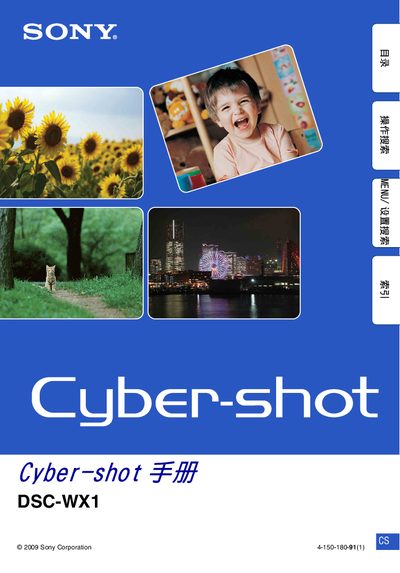
Sony DSC-WX1 User Manual
This manual explains how to operate the Sony DSC-WX1 digital camera, covering basic functions, menu navigation, shooting modes, playback, and printing. It includes safety notices, handling guidelines, and troubleshooting steps to help users get the most out of the camera.
Key topics include Red‑Eye Reduction, Memory Stick Duo compatibility, LCD care, various shooting modes (portrait, landscape, night scene, etc.), and instructions for using the built‑in Picture Motion Browser and printing functions. This manual is written in Japanese.
SONY DSC-WX1 specifications
| Memory Card Compatibility | Memory Stick Duo |
|---|---|
| LCD Pixel Uniformity | 99.99% or higher |
| Red Eye Reduction | Available via MENU 8 |
Source: Sony DSC-WX1 User Manual
All SONY DSC-WX1 documents by type
Day-to-day operation, settings and troubleshooting. Start here if the product is already set up.
Questions answered in these manuals
How do I enable Red Eye Reduction?
Select MENU 8 (Red Eye Reduction) and choose the desired mode.
From: Sony DSC-WX1 User Manual
Which memory cards can be used with the DSC‑WX1?
The camera works with Memory Stick Duo cards; standard Memory Stick cards are not supported.
From: Sony DSC-WX1 User Manual
What type of memory card does the DSC‑WX1 use?
The camera uses a Memory Stick Duo, which is sold separately.
What is the size of the LCD screen?
The LCD screen measures 6.7 cm (2.7 inches) diagonally.