
This is an operating instructions for the Panasonic Multi-Function Laser Fax, including usage restrictions, record keeping of purchase date and serial number, copyright information, and legal requirements for telephone facsimile.
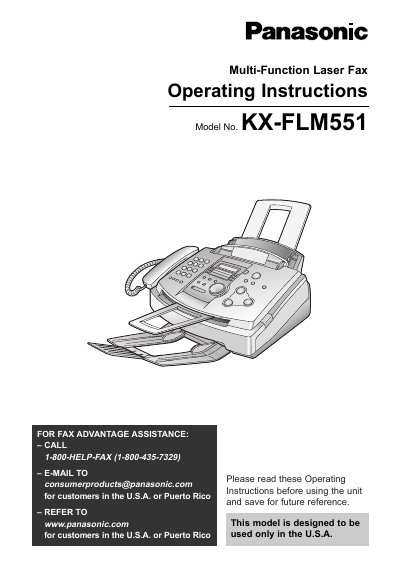
This manual provides operating instructions for the Panasonic KX-FLM551 multi-function laser fax machine, designed for use in the U.S.A. and Puerto Rico. It covers initial setup, including the installation of the toner cartridge and drum unit, as well as connecting the device to telephone lines and computers. The guide details how to configure settings such as date, time, and facsimile telephone numbers, and explains the use of the Help button and various display functions.
| Toner Cartridge Yield | approx. 800 sheets |
|---|---|
| Product Type | Multi-Function Laser Fax |
The model number is KX-FLM551.
The complementary starter toner cartridge can print approximately 800 sheets of letter size paper with a 5% image area.
Exposing the drum unit to light for more than 5 minutes may damage the photosensitive drum, so it should be kept in its protection bag until installation.