
Netgear ReadyNAS 4200 installation guide, introduces how to install, connect devices, configure networks, administrator passwords, user accounts, etc.
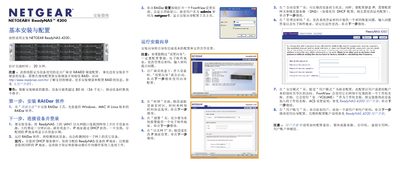
The guide walks you through the basic installation and configuration of the ReadyNAS 4200, including installing the RAIDar software from the supplied CD (Windows, Mac and Linux versions), connecting the unit to your network, and using the FrontView web interface to set up the device, assign an IP address, and configure the initial admin account.
It also covers accessing shared storage from Windows, macOS and Linux, configuring shared folders, enabling optional protocols (FTP, NFS, iSCSI, Rsync), and important operational tips such as proper ventilation, UPS usage, and safety precautions when handling up to 12 hard drives that can weigh as much as 80 lb (36 kg). This manual is written in Chinese.
| Maximum weight | 80 lb (36 kg) |
|---|---|
| Maximum drive bays | 12 |
| RAID configuration | XRAID2 |
Insert the supplied CD and run the RAIDar installer; the CD includes Windows, Mac and Linux versions of the software.
The default username is admin and the default password is netgear1.
In the Security Mode page, enter a new password, set a password‑recovery question, answer, and email address; the new password will be sent to that email if you forget it.