
This document is the hardware manual for the NETGEAR ReadyNAS 4200. It describes the features and characteristics of the product.
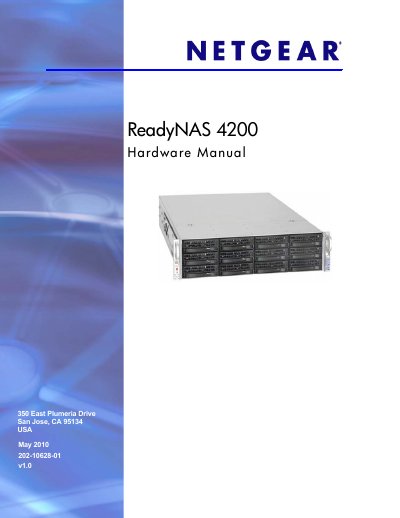
This manual covers the physical features of the ReadyNAS 4200, including the control panel, front and rear panels, disk bays, and rack‑mount installation. It guides users through initial setup, IP configuration, and default settings, as well as safety and environmental precautions.
Later chapters detail diagnostics, system shutdown, firmware reinstall, RAID management, and component replacement such as disks, fans, power supplies, and the onboard battery. Appendices list factory defaults, technical specifications, and regulatory compliance information.
| Power supplies | Two 700W server‑rated AC power supplies |
|---|---|
| Input voltage | 100‑240V AC, 50/60Hz |
| Power consumption | 170W typical with 6 1TB disks |
| Operating temperature | 0 °C to 40 °C (32 °F – 104 °F) |
| Dimensions (H×W×D) | 3.5 × 17.2 × 25.5 in. (89 × 437 × 648 mm) |
| Weight | 32.8 kg (76 lb) with 12 disks |
| Disk bays | 12 hot‑swappable SATA drive bays |
The ReadyNAS 4200 provides twelve hot‑swappable SATA drive bays.
The default login user name is admin and the password is netgear1.
The unit includes two 700 W server‑rated AC power supplies.
The ReadyNAS 4200 operates between 0 °C and 40 °C (32 °F – 104 °F).