
This user manual introduces the features and usage methods of NETGEAR HDX101 Powerline HD Ethernet adapter
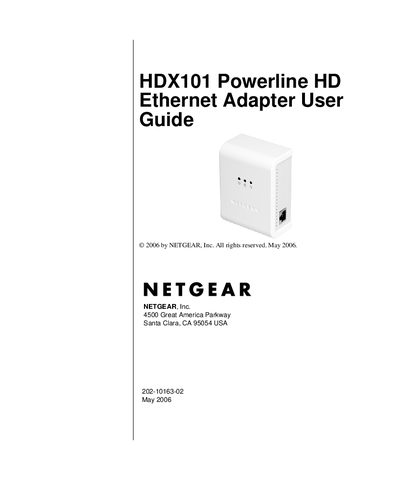
This guide explains how to install, configure, and manage the Netgear HDX101 Powerline HD Ethernet Adapter. It covers hardware setup, connecting to a router, using the configuration utility, and integrating with HomePlug networks.
The manual also includes troubleshooting steps, safety notices, FCC compliance information, and a full technical specifications appendix that details performance, dimensions, power consumption, and security features.
| Data Transfer Rate | 200 Mbps |
|---|---|
| Dimensions | 98 mm × 72 mm × 40 mm |
| Operating Temperature | 0 °C to 40 °C |
| Operating Humidity | 10‑90 % RH (non‑condensing) |
| Encryption Type | DES/3DES |
| Network Compatibility | IEEE 802.3 (10BASE‑T), IEEE 802.3u (100BASE‑Tx) |
Product updates are available on the Netgear website at the HDX101 support page.
It uses DES/3DES encryption.
The device measures 98 mm high, 72 mm wide, and 40 mm deep.